Bookmark or share a dashboard URL
Every dashboard has a stable, friendly URL based on its slug-chain. You can paste it into the address bar, bookmark it, or share it with a colleague who has access to that dashboard.
URL format
http://your-nextcloud.example/apps/mydash/<slug-chain>
For nested dashboards (parent → child), the chain reflects the hierarchy:
/apps/mydash/finance
/apps/mydash/finance/q1-roadmap
/apps/mydash/finance/q1-roadmap/details
The slug for a dashboard is auto-derived from its name when you create it; you can set an explicit slug via Dashboard configuration.
Goal
Open a dashboard via its URL, and verify the URL stays in sync as you switch dashboards inside the app.
Steps
1. Find the slug for a dashboard
The address bar already shows it after the slash:
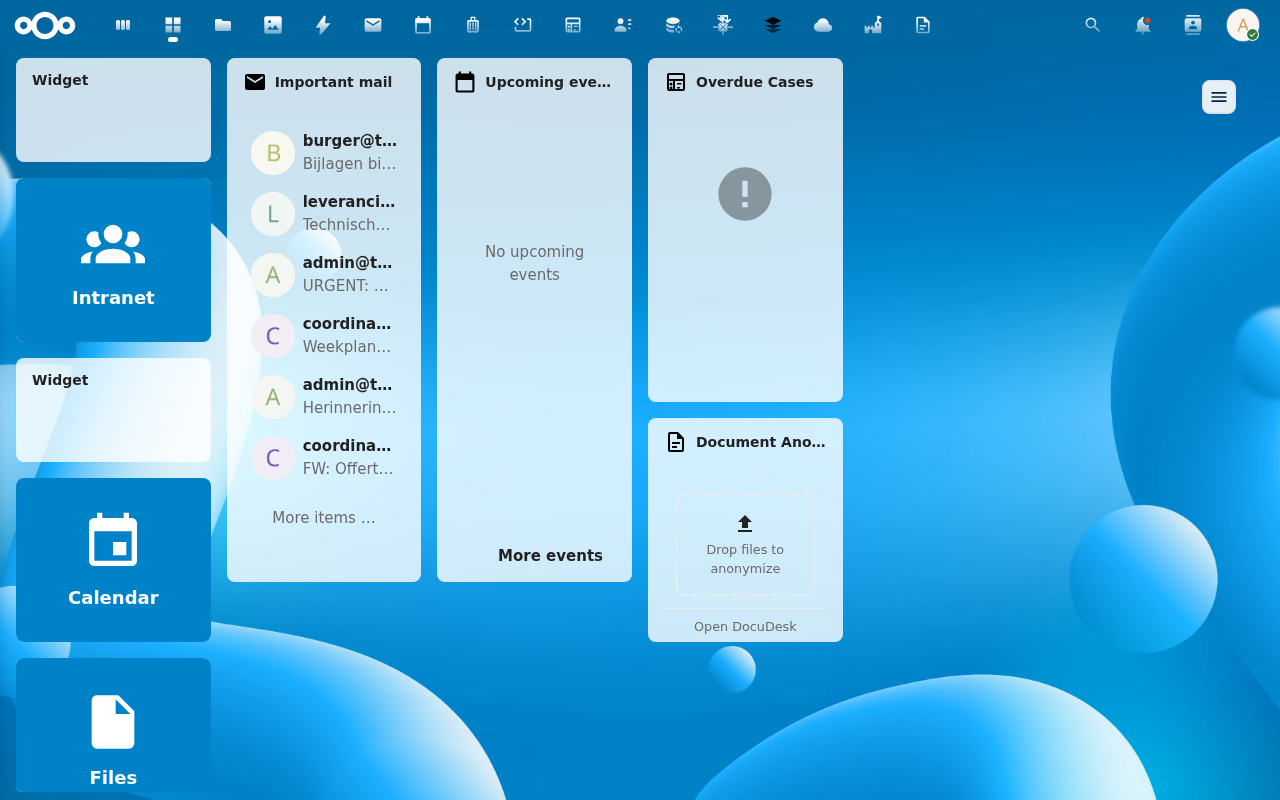
Or check Dashboard configuration… in the cog menu — the slug is editable there.
2. Paste the URL into a new tab
Open a new tab and paste http://localhost:8080/apps/mydash/<slug-chain>. MyDash loads with that dashboard already active — no extra clicks needed.

3. Switch dashboards in the sidebar
Click another row. The URL updates immediately via history.pushState — the page doesn't reload but the address bar is now the slug-chain of the new dashboard.

4. Use the browser back / forward buttons
Each switch pushed a history entry. Back returns you to the previous dashboard; Forward goes the other way. The dashboard re-resolves via the existing getDashboardByPath API, so your active dashboard tracks the URL exactly as expected.
Behaviour notes
- Stale or unknown slug. If you visit a URL whose slug-chain doesn't resolve (renamed, deleted, you don't have access), MyDash silently falls back to your default dashboard rather than 404. Old bookmarks always land on something.
- Renamed parents. When a parent dashboard is renamed, the canonical slug-chain for its descendants changes. The server normalises the URL on every load — visiting
/apps/mydash/old-parent/childlands on the same dashboard, and the address bar updates to/apps/mydash/new-parent/childautomatically (viahistory.replaceState). - Dashboard with no slug. Some dashboards have no slug (NULL slug field). They have no addressable URL — the URL bar shows just
/apps/mydash/and switching to one doesn't push history.
Verification
- Cold-load the URL → the dashboard renders without a flash of the empty state.
- Sidebar click → URL changes. Browser back → URL reverts. Active dashboard matches the URL.
Common issues
| Symptom | Fix |
|---|---|
| URL doesn't change when switching | The destination dashboard has no slug. Set one in Dashboard configuration…. |
| Cold-load lands on the wrong dashboard | The URL slug doesn't resolve to a visible-to-you dashboard — fallback fired. Check the slug spelling. |
| API requests 404 after a deep-link | Shouldn't happen — the catch-all route excludes /api/.... If you see this, file an issue with the request URL. |
Reference
- Dashboards feature reference
- API endpoint:
GET /api/dashboards/by-path/{path}andGET /api/dashboards/{uuid}/path