Reposition & resize widgets
The MyDash grid is built on GridStack — a 12-column responsive grid where every widget snaps to whole-cell boundaries. Layouts persist as soon as you let go of the mouse.
Goal
Move a widget to a new position and resize it.
Prerequisites
- A dashboard you can edit (
add_onlyorfullpermission). - Two or more widgets on the dashboard so the swap-on-collision behaviour is visible.
Steps
1. Enter edit mode
Cog menu → Edit dashboard. Drag/resize handles appear on every placement; the cog button on the active row flips to Save dashboard with a save icon.
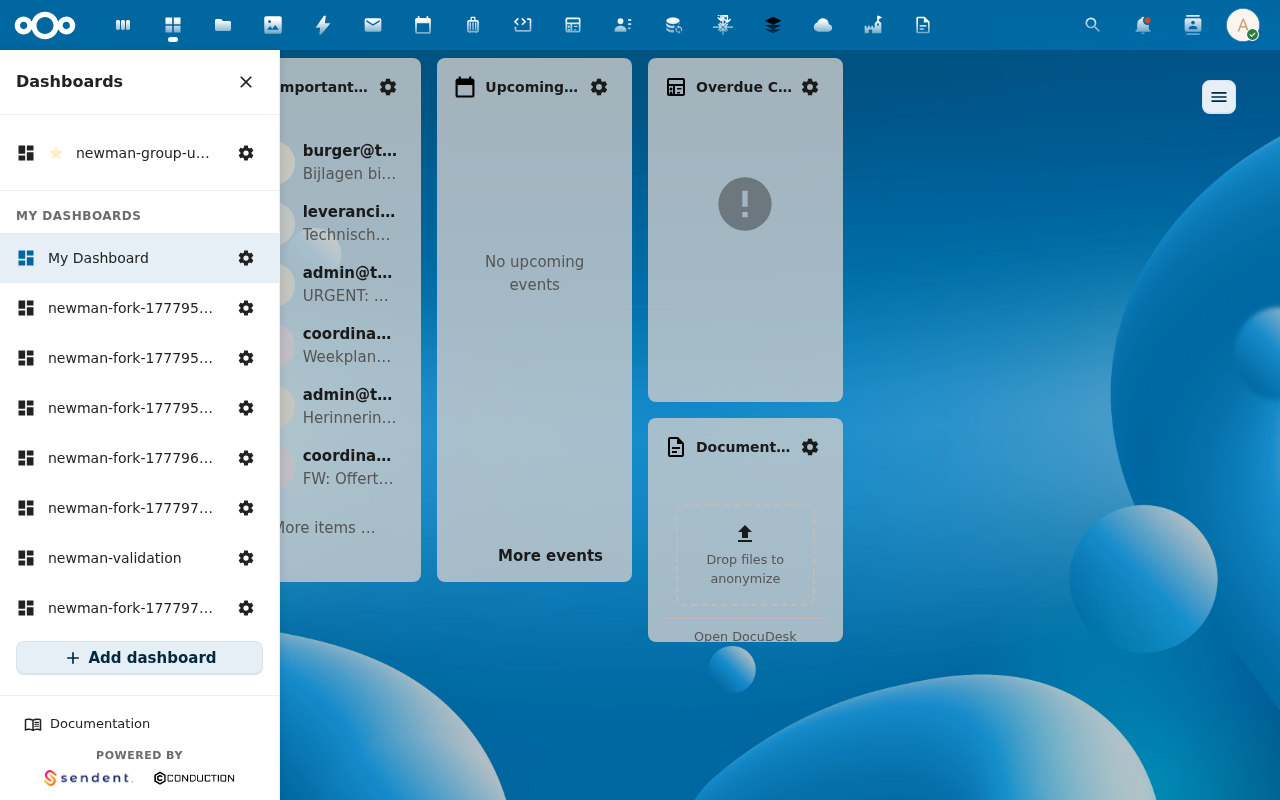
2. Reposition by dragging the title bar
Click and hold anywhere on a widget's header (or its drag handle if the widget overrides the title row). Drop targets light up as you move; release to snap into place. Other widgets reflow around the drop point.
3. Resize from the corner / edge handles
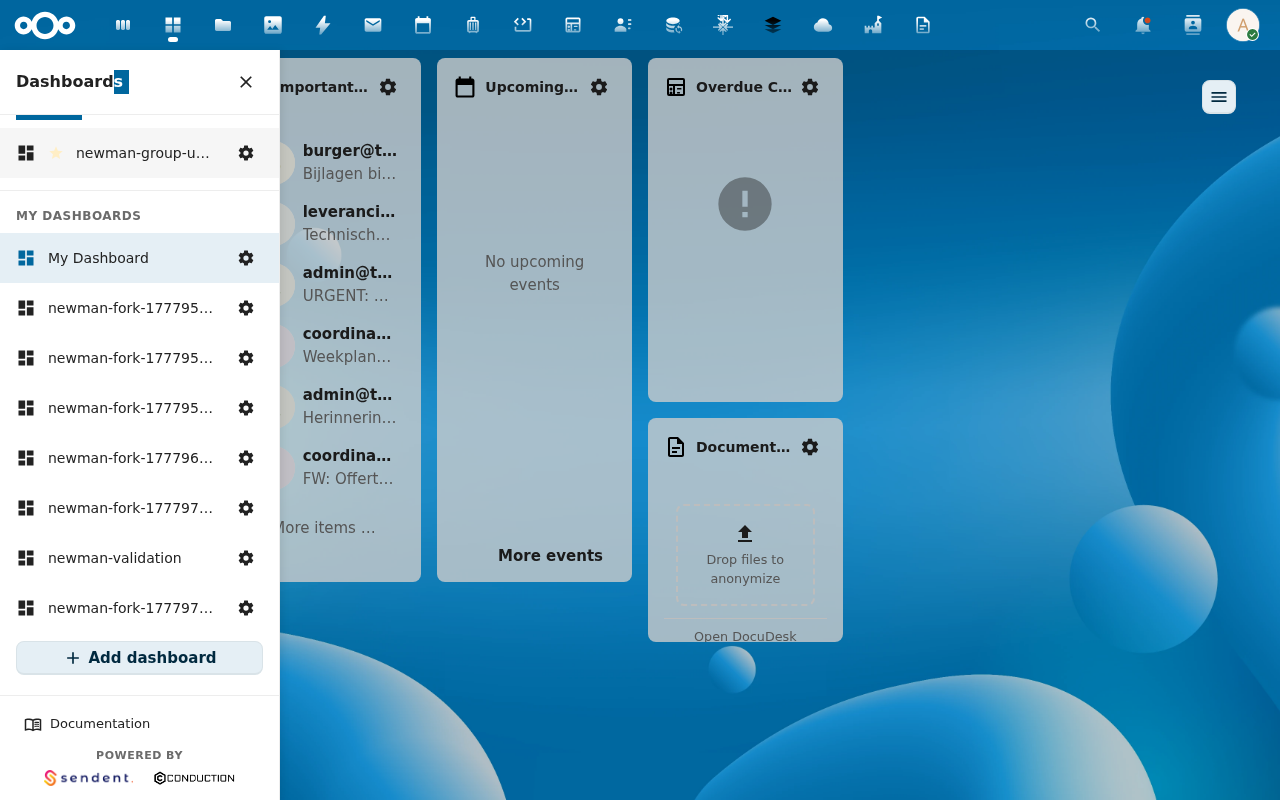
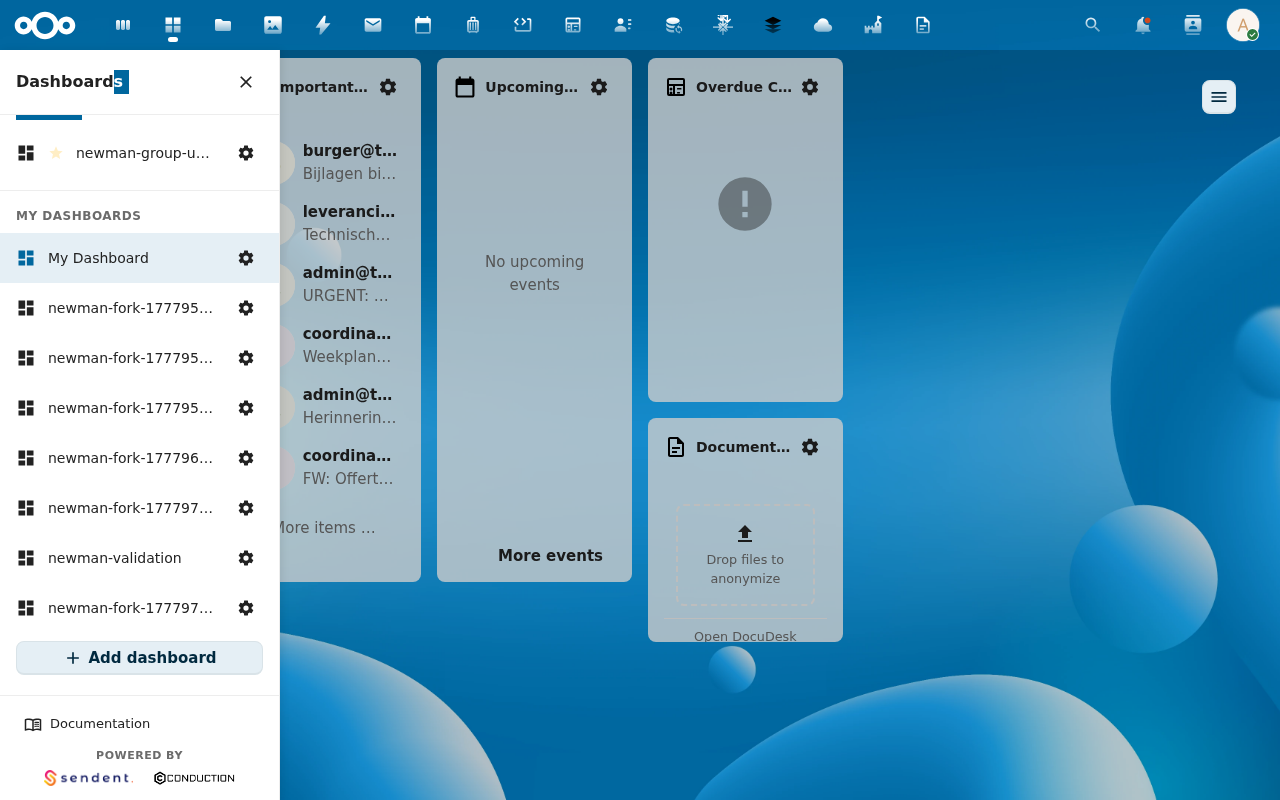
Each widget has a bottom-right corner handle for diagonal resize and edge handles for single-axis resize. Minimum size is 2×2 cells; the registry-defined widget size hints take precedence on first placement but you can resize freely afterwards.

4. Save the layout
Click Save dashboard in the top-right (the cog button switches into save mode while editing). MyDash issues a single PUT /api/dashboard/{id} with the new layout.

The grid auto-saves on drop, so the explicit Save button is mostly a confirmation that no other layout changes are pending. If you reload mid-edit you'll see the auto-saved state, not a draft.
Verification
- Reload the page. Widgets are at the new positions and sizes.
- Open the database (or
GET /api/dashboard) — the placement rows reflect the newgridX/gridY/gridWidth/gridHeight.
Common issues
| Symptom | Fix |
|---|---|
| Widget snaps back after release | The drop target collided with a compulsory widget your admin pinned. Move it to a free cell instead. |
| Can't resize below a certain width | The widget's per-type minimum (set in widgetRegistry.js) is enforced. Widen the column count via Dashboard configuration if you need more horizontal space. |
| Drag handle is captured by the widget body | Some widgets handle their own click events. Drag from the top edge of the title bar instead. |